Retro gaming enthusiasts often find themselves torn between the convenience of modern displays and the nostalgic charm of older connection methods. When it comes to MiSTer FPGA, the question of whether composite video output can still deliver a satisfying picture is one that crops up time and again amongst hobbyists tinkering with classic consoles and arcade boards. The answer, as with most things in the world of retro hardware, depends on how well you understand the technology and how carefully you set things up.
At a glance
- The MiSTer FPGA offers two primary ways to achieve analogue video output: the Analogue IO board for added features or the budget-friendly Direct Video method.
- Composite video is inherently softer than modern digital connections, but this characteristic is often desired by purists to replicate the original visual blending and dithering effects of retro games.
- Proper conversion of digital signals requires specific configuration in the mister.ini file, such as adjusting sync settings or component output modes to ensure signal stability.
- Using active adapters rather than passive ones is strongly recommended to prevent signal degradation and maintain optimal picture quality.
- Display compatibility is critical, as consumer CRT televisions typically handle 15kHz retro signals better than standard computer monitors designed for 31kHz.
- Achieving an authentic retro gaming experience requires a careful balance between hardware choice, configuration settings, and the specific limitations of the display technology used.
Understanding composite video output on mister fpga systems
The technical fundamentals of composite video connections
Composite video has been around since the early days of television broadcasting, combining colour, brightness and synchronisation information into a single signal carried over one cable. It's a far cry from the crisp digital signals we're accustomed to nowadays, but it remains a viable option for those wanting an authentic connection to older display technology. On a MiSTer FPGA setup, this signal can be output either through the dedicated VGA port on the Analogue IO board or via a simpler method known as Direct Video. Each route has its own trade-offs worth considering before you commit to a particular cabling solution.
The Analogue IO board tends to be the pricier option, but it brings additional features to the table and, crucially, doesn't require a SoG modification to function properly. On the other hand, Direct Video is a more budget-friendly approach that often delivers better colour depth, though you sacrifice some of those extra bells and whistles, and certain dongles may not play nicely with it. Choosing between the two really comes down to what you value most: convenience and features, or affordability and richer colours.
How mister fpga handles analogue signal conversion
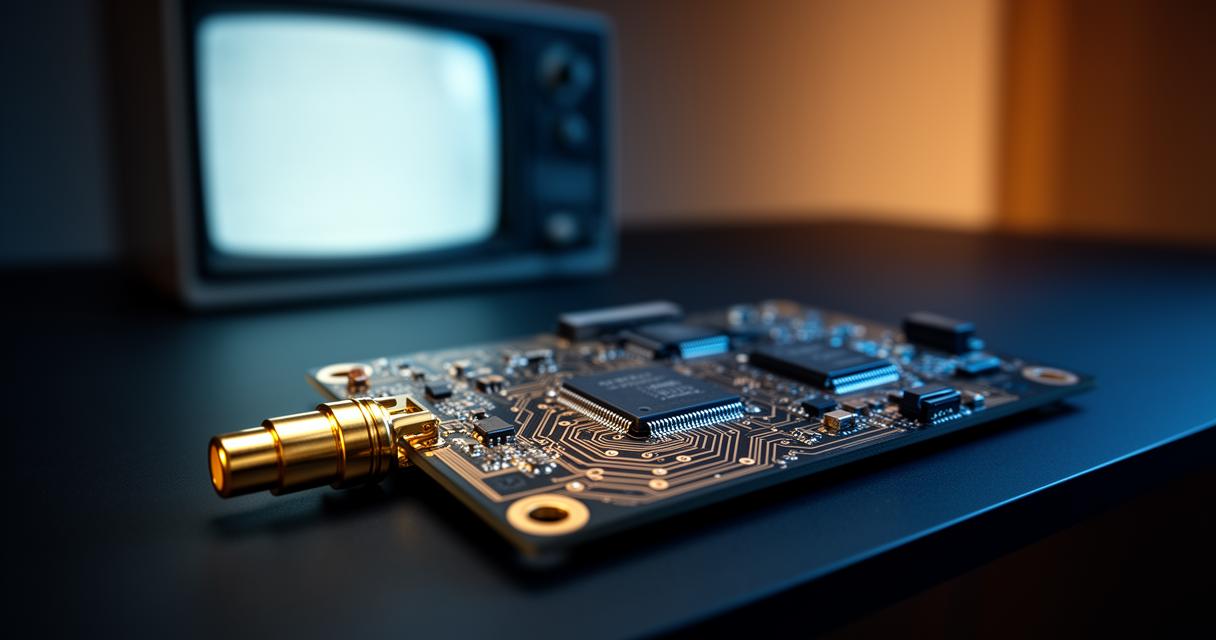
Behind the scenes, MiSTer FPGA does a remarkable job of converting digital core output into analogue signals that older displays can understand. This conversion process is where much of the visual character comes from, whether you're aiming for a classic RGB SCART connection on a consumer television or exploring component video through a VGA to Component cable. Getting this conversion right often means diving into configuration files and tweaking a handful of settings, but the payoff is a picture that feels genuinely true to the era being emulated.
For those connecting via SCART, enabling composite_sync=1 in the mister.ini file is typically necessary to ensure the television receives a proper synchronisation signal. Meanwhile, users opting for component connections will want to set vga_mode=ypbpr and may need to flip a SoG switch depending on their specific hardware configuration. These adjustments aren't merely cosmetic; they're fundamental to whether the image displays correctly at all.
Assessing visual quality: composite video versus contemporary display technologies
Strengths and Limitations of Composite Video for Retro Gaming
There's no getting around the fact that composite video, by its very nature, produces a softer image than what you'd get from digital connections or even S-Video. Colour bleeding and reduced sharpness are inherent characteristics of the format, and no amount of fiddling will turn it into something it isn't. That said, for many retro gaming purists, this softness is actually part of the appeal. Games designed with composite output in mind, particularly those for consoles like Atari systems, often relied on this visual blending to create dithering effects and colour combinations that simply don't translate the same way on sharper, modern screens.
Support for composite and S-Video connections on MiSTer typically comes through native outputs or adapters, and it's worth noting that active adapters are generally recommended over passive ones for the best results. Passive adapters can introduce signal degradation that undermines the very picture quality you're trying to preserve, so investing in a proper active solution pays dividends in the long run.
Synchronisation and pixel rendering characteristics
One of the trickier aspects of getting composite video to look its best involves synchronisation, particularly when dealing with 240p signals commonly found in older gaming systems. Consumer televisions built to handle 15kHz signals are generally well suited to this task and often support RGB through SCART connections, especially across Europe where this standard remained popular for decades. Computer monitors, by contrast, are usually designed around 31kHz signals and tend to struggle when displaying 240p content, resulting in a less satisfactory image than what a proper CRT television would provide.
Professional video monitors sit at the top end of the spectrum, offering exceptional image quality and a wealth of connectivity options, though their price tags often place them out of reach for casual hobbyists. For most people experimenting with MiSTer FPGA, a decent consumer television or a well-chosen computer monitor will strike the right balance between cost and performance.
Optimising your viewing experience with proper configuration
Essential video settings adjustments for classic consoles like atari
Getting the most out of composite video isn't just about plugging in a cable and hoping for the best. It requires careful attention to the mister.ini configuration file, where settings need to align precisely with your chosen display and connection type. For consumer TVs using RGB SCART, ensuring composite_sync is properly enabled makes a tangible difference in signal stability. Those working with component connections should double check their vga_mode setting and remain prepared to adjust the SoG switch if the picture doesn't appear as expected.
These configuration steps might seem fiddly at first, particularly for newcomers to the retro gaming scene, but they quickly become second nature once you understand what each setting actually controls. Patience during this setup phase pays off enormously when you finally see that authentic, era-appropriate image flicker to life on your screen.
Achieving authentic visual fidelity with mister fpga
Ultimately, whether composite video output looks good on MiSTer FPGA compared to modern displays isn't really a fair comparison to make. Composite was never designed to compete with today's high-definition digital standards, and judging it by those criteria misses the point entirely. Instead, the goal should be authenticity and faithfulness to how these classic games and systems were originally experienced. When configured correctly, with the right cables, appropriate adapters and carefully adjusted settings, composite video through MiSTer FPGA can deliver a genuinely charming and historically accurate viewing experience that many retro enthusiasts find deeply satisfying, even if it will never match the pixel-perfect clarity of a modern monitor.